



















Useful AI Prompts for Everyday Work and Tasks
Prompts for the work that recurs every week: summarising threads, drafting replies, turning rough notes into something a colleague can read.
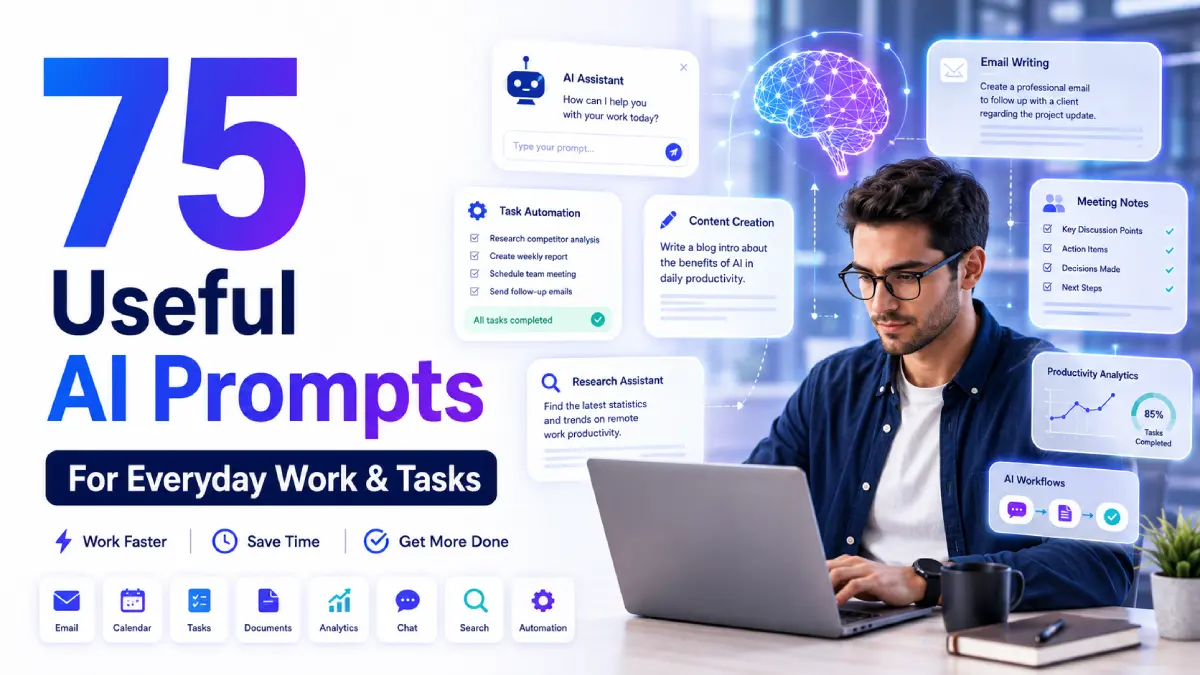
The prompts people genuinely reuse are not the clever ones. They are the dull, repeatable instructions for work that recurs every week: summarising a thread, drafting a reply, turning rough notes into something a colleague can read.
The ones below are that kind. Each is short enough to keep somewhere you can paste it from.
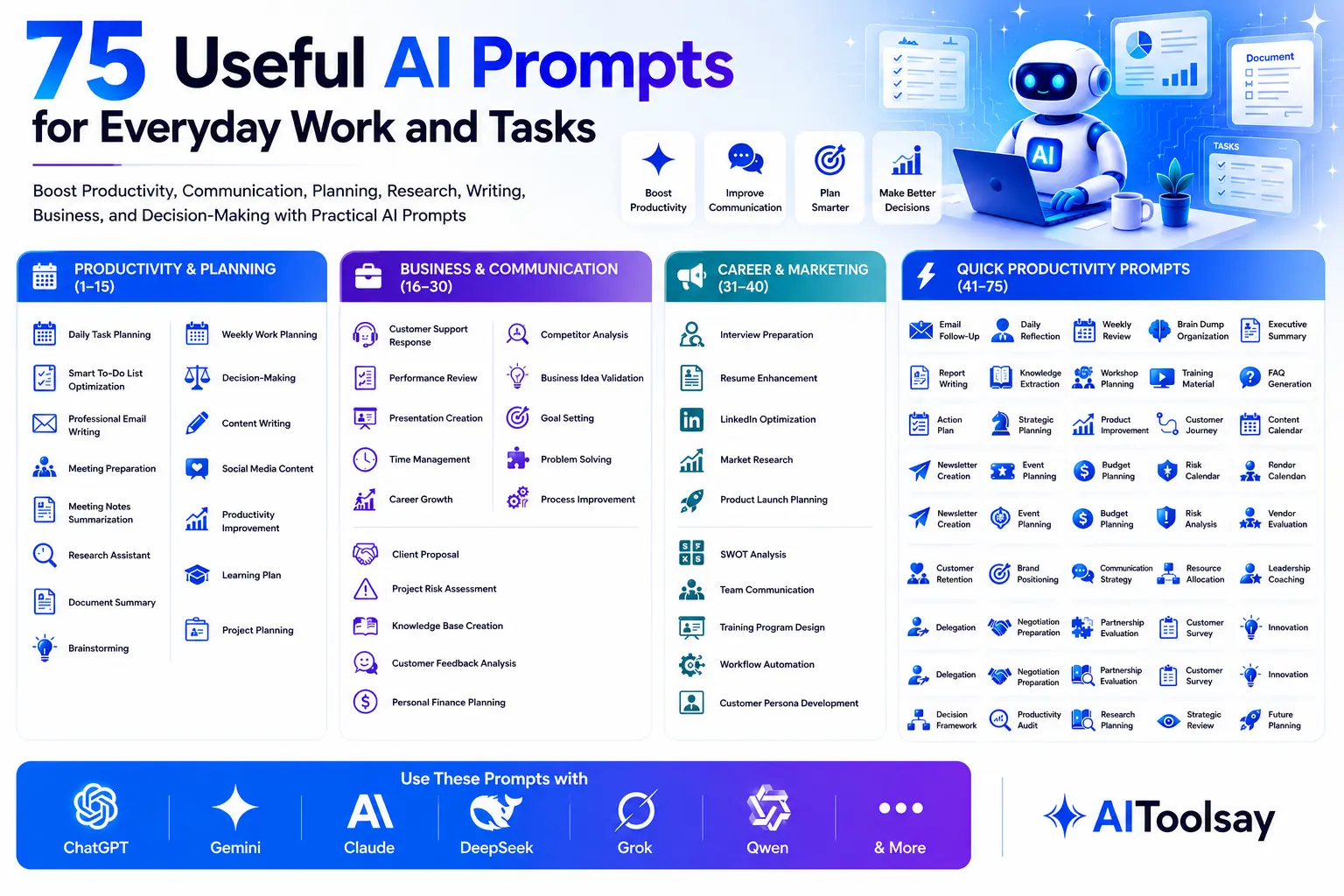
This guide shares some of the most practical AI Prompts for Everyday Work and Tasks that professionals, students, freelancers, business owners, and content creators can use immediately. Instead of generic commands, these prompts are detailed, editable, and designed to produce higher-quality outputs from AI tools.
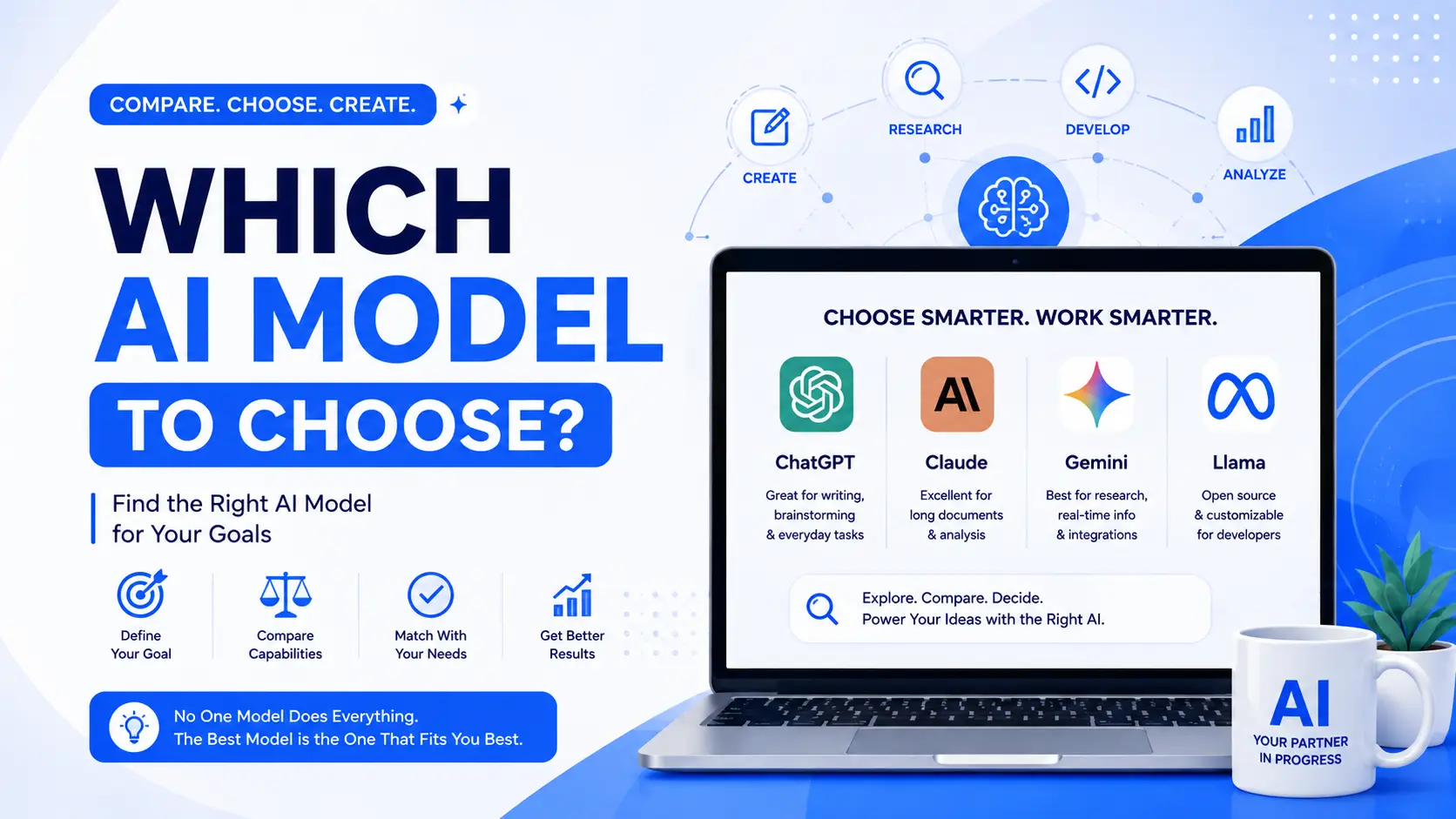
Whether you’re using ChatGPT, Gemini, Claude, DeepSeek, Grok or another assistant, these prompts can help improve productivity, communication, planning, research and everyday decision-making.
Quick Overview of AI Prompts for Everyday Work and Tasks Categories
| Category | Skill Level | Main Use |
|---|---|---|
| Daily Productivity | Beginner | Planning and organization |
| Communication | Beginner | Emails and messages |
| Research | Beginner | Information gathering |
| Writing | Intermediate | Content creation |
| Meetings | Intermediate | Notes and summaries |
| Business | Intermediate | Analysis and planning |
| Problem Solving | Advanced | Decision-making |
| Strategy | Advanced | Growth and optimization |
1. Daily Task Planning Prompt
Use Case: Organizing daily work
Editable Prompt:
"Act as a productivity coach. Review the following tasks: [INSERT TASKS]. Prioritize them based on urgency, impact, deadlines, and estimated effort. Create a realistic schedule for today between [START TIME] and [END TIME]. Include focused work blocks, short breaks, buffer time for unexpected interruptions, and recommendations for which tasks should be delegated, postponed, or completed immediately. Explain the reasoning behind the prioritization and suggest productivity techniques that can help complete the work more efficiently."
2. Smart To-Do List Optimization Prompt
Use Case: Better task management
Editable Prompt:
"I have the following to-do list: [INSERT LIST]. Analyze each item and categorize it into urgent, important, low priority, and optional tasks. Suggest the most logical order for completion and estimate how much time each task may require. Create a simplified action plan that reduces overwhelm and helps me achieve the highest impact outcomes today. Include suggestions for batching similar tasks and eliminating unnecessary activities."
3. Professional Email Writing Prompt
Use Case: Workplace communication
Editable Prompt:
"Act as a professional business communication specialist. Write an email regarding [TOPIC] to [RECIPIENT]. The goal of the email is [OBJECTIVE]. Maintain a [FORMAL/CASUAL/FRIENDLY] tone while ensuring clarity, professionalism, and respect. Include an engaging opening, concise explanation, clear request or action item, and a professional closing. Also provide three alternative subject lines and suggest improvements if the message could be more persuasive or effective."
4. Meeting Preparation Prompt
Use Case: Meeting readiness
Editable Prompt:
"I have an upcoming meeting about [TOPIC]. Create a complete preparation guide including key discussion points, possible questions participants may ask, relevant background information, objectives to achieve, risks to address, and action items to propose. Also create a short opening statement and a list of follow-up questions that can help drive productive discussion and better decision-making."
5. Meeting Notes Summarization Prompt
Use Case: Meeting documentation
Editable Prompt:
"Review the following meeting notes: [PASTE NOTES]. Create a structured summary including major decisions, important discussions, action items, deadlines, assigned responsibilities, risks, and next steps. Present the summary in a professional format suitable for sharing with team members and executives. Highlight any unresolved issues and suggest recommendations for follow-up actions."
6. Research Assistant Prompt
Use Case: Fast learning
Editable Prompt:
"Act as an expert researcher. Explain the topic [TOPIC] in simple language suitable for someone with [BEGINNER/INTERMEDIATE/ADVANCED] knowledge. Provide a structured overview, important concepts, practical applications, common misconceptions, current trends, and recommended areas for further study. Include examples, comparisons, and real-world use cases to improve understanding and retention."
7. Document Summary Prompt
Use Case: Long document review
Editable Prompt:
"Analyze the following document: [PASTE DOCUMENT]. Create an executive summary that identifies the most important information, key findings, recommendations, risks, opportunities, and action points. Keep the summary concise while preserving critical details. Also provide a bullet-point list of insights that decision-makers should pay attention to before taking action."
8. Brainstorming Prompt
Use Case: Idea generation
Editable Prompt:
"Act as a creative strategist. Generate at least 20 unique ideas related to [TOPIC]. Consider different perspectives, industries, customer needs, emerging trends, and practical implementation methods. For each idea, explain potential benefits, challenges, estimated effort, and opportunities for improvement. Prioritize the top five ideas with the greatest potential impact."
9. Weekly Work Planning Prompt
Use Case: Productivity improvement
Editable Prompt:
"Create a detailed weekly work plan based on the following goals: [GOALS]. Organize priorities across the week, assign realistic deadlines, identify dependencies, estimate workload, and suggest productivity strategies. Include contingency plans for delays and recommend how to measure progress at the end of the week."
10. Decision-Making Prompt
Use Case: Complex choices
Editable Prompt:
"I need help deciding between the following options: [OPTION A] and [OPTION B]. Evaluate each option using factors such as cost, benefits, risks, long-term impact, required resources, and alignment with my goals. Create a decision matrix and provide an objective recommendation with supporting reasoning. Include scenarios where each option may be the better choice."
11. Content Writing Prompt
Use Case: Blog creation
Editable Prompt:
"Act as an experienced content writer. Create a detailed article about [TOPIC] for [TARGET AUDIENCE]. Include an engaging introduction, practical examples, actionable advice, key insights, common mistakes, and a strong conclusion. Use clear language, maintain readability, and structure the content with SEO-friendly headings and subheadings."
12. Social Media Content Prompt
Use Case: Daily marketing
Editable Prompt:
"Generate a week's worth of social media content for [BUSINESS/BRAND]. Create platform-specific posts for LinkedIn, Facebook, X, Instagram, and Threads. Include engaging hooks, value-driven content, calls to action, audience engagement questions, and relevant hashtag suggestions. Adapt the tone for the target audience while maintaining brand consistency."
13. Productivity Improvement Prompt
Use Case: Work optimization
Editable Prompt:
"Analyze my current workflow: [DESCRIBE WORKFLOW]. Identify bottlenecks, repetitive tasks, wasted effort, communication gaps, and inefficiencies. Recommend process improvements, automation opportunities, delegation strategies, and time-saving techniques. Create a step-by-step implementation plan to improve productivity over the next 30 days."
14. Learning Plan Prompt
Use Case: Skill development
Editable Prompt:
"I want to learn [SKILL] within [TIME PERIOD]. Create a complete learning roadmap that includes foundational concepts, weekly milestones, recommended practice projects, assessment methods, study schedules, and advanced topics. Adapt the plan to my current experience level and available study time."
15. Project Planning Prompt
Use Case: Managing projects
Editable Prompt:
"Act as a project manager. Create a detailed project plan for [PROJECT DESCRIPTION]. Include objectives, milestones, timelines, resource requirements, risks, stakeholder responsibilities, success metrics, and contingency strategies. Present the information in a structured format suitable for team collaboration and progress tracking."
16. Customer Support Response Prompt
Use Case: Faster customer communication
Editable Prompt:
"Act as an experienced customer support specialist. Create a professional response to the following customer inquiry: [PASTE MESSAGE]. Maintain a [FRIENDLY/PROFESSIONAL/FORMAL] tone while addressing the customer's concerns clearly and empathetically. Explain the solution step-by-step, anticipate possible follow-up questions, and provide relevant recommendations. If additional information is required, include a polite request for clarification while ensuring the customer feels valued and supported throughout the interaction."
17. Performance Review Prompt
Use Case: Employee evaluations
Editable Prompt:
"Act as an HR and performance management expert. Based on the following employee information: [DETAILS], create a balanced performance review. Highlight accomplishments, strengths, areas for improvement, measurable contributions, teamwork skills, leadership qualities, and professional growth opportunities. Use constructive language and include specific recommendations for future development. Provide both a concise summary and a detailed evaluation suitable for official performance review documentation."
18. Presentation Creation Prompt
Use Case: Business presentations
Editable Prompt:
"Act as a professional presentation consultant. Create a complete presentation outline for [TOPIC]. Include a compelling introduction, key discussion sections, supporting data recommendations, examples, audience engagement opportunities, visual suggestions, and a persuasive conclusion. Organize the content slide by slide and recommend speaking points for each section to help deliver a confident and effective presentation."
19. Time Management Prompt
Use Case: Better daily productivity
Editable Prompt:
"Review my current schedule: [INSERT SCHEDULE]. Identify time-wasting activities, scheduling conflicts, productivity gaps, and opportunities for improvement. Create a more efficient daily plan that balances work, personal commitments, breaks, learning, and recovery time. Explain the reasoning behind each recommendation and provide practical techniques to improve focus and reduce distractions."
20. Career Growth Prompt
Use Case: Professional development
Editable Prompt:
"Act as a career coach. Evaluate my current position as [JOB TITLE], my skills [LIST SKILLS], and my long-term goals [GOALS]. Identify skill gaps, growth opportunities, certifications, networking strategies, and learning resources that can help me advance. Create a practical 12-month career development roadmap with milestones and measurable outcomes."
21. Competitor Analysis Prompt
Use Case: Business intelligence
Editable Prompt:
"Act as a market research analyst. Analyze the following competitors: [LIST COMPETITORS]. Compare their strengths, weaknesses, products, pricing strategies, customer experience, content marketing efforts, and market positioning. Identify opportunities where my business can differentiate itself and provide actionable recommendations for gaining a competitive advantage."
Frequently Asked Questions
What are AI Prompts for Everyday Work and Tasks?
They are structured instructions that help AI systems perform practical daily activities such as writing emails, planning schedules, summarizing documents, conducting research, and generating ideas.
Why are detailed prompts better?
Detailed prompts provide context, objectives, constraints, and expected formats, allowing AI systems to generate more accurate and useful responses.
Can beginners use these prompts?
Yes. Most of these prompts are beginner-friendly and can be customized by replacing the placeholders with your own information.
Which AI tools support these prompts?
Most modern AI platforms including ChatGPT, Gemini, Claude, DeepSeek, Grok, Qwen, and other large language models can use these prompts effectively.
For content work specifically, the research and writing library goes deeper, and the SEO sequence covers search. All of these run in Claude or any comparable assistant.

Sabir
Founder of AIToolsay and a passionate AI enthusiast dedicated to building practical, user-friendly AI tools that simplify everyday tasks.
Discussion 0
Join the conversation — share your thoughts, ask questions, help others.
Be respectful. Comments are moderated.
No comments yet
Be the first to share your thoughts on this article.
Want more AIToolsay stories in your Google Search results?